
Menu
How it works
Each thing you point out becomes one task: a screenshot of the moment, what you said, and a prompt ready to paste into your builder.
- 01
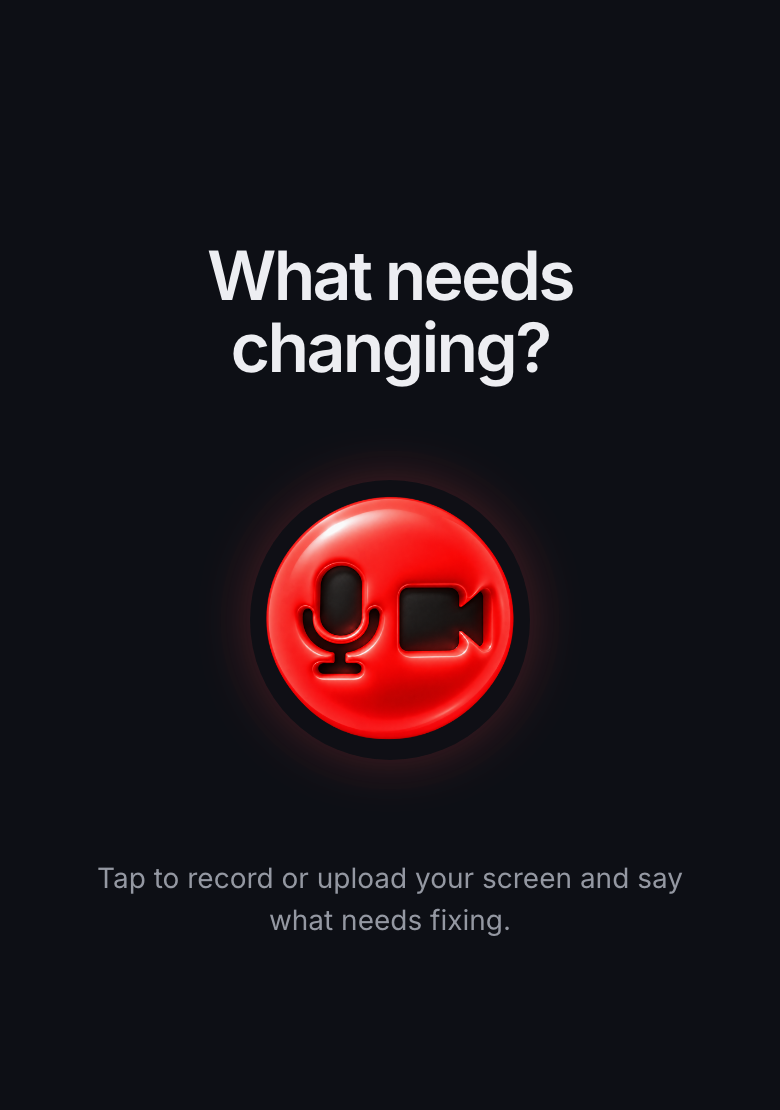
Record + talk
Open your app and use it. Say what's wrong out loud — the way you'd say it to a person.
- 02
AI listens
It hears every problem you named, and reads the screen for the ones you walked past without saying anything.
A 6-minute review → 7 tasks
real · streetsafe- 01Add a comments section to incident detailsrequest
- 02Restyle the map route linerequest
- 03Back button resets the whole route screenbroken
- 04Broken image in the community feedspotted, not mentioned
- 05Remove Heat and Calm from the headerrequest
- 06Show all submitted reports under Your reportsbroken
- 07Route alerts only at departure timerequest
- 03
AI writes it up
One task per problem: what you said in your own words, the screenshot of the moment it happened, and a fix prompt that says what to change and what done looks like.
- 04
Send + check
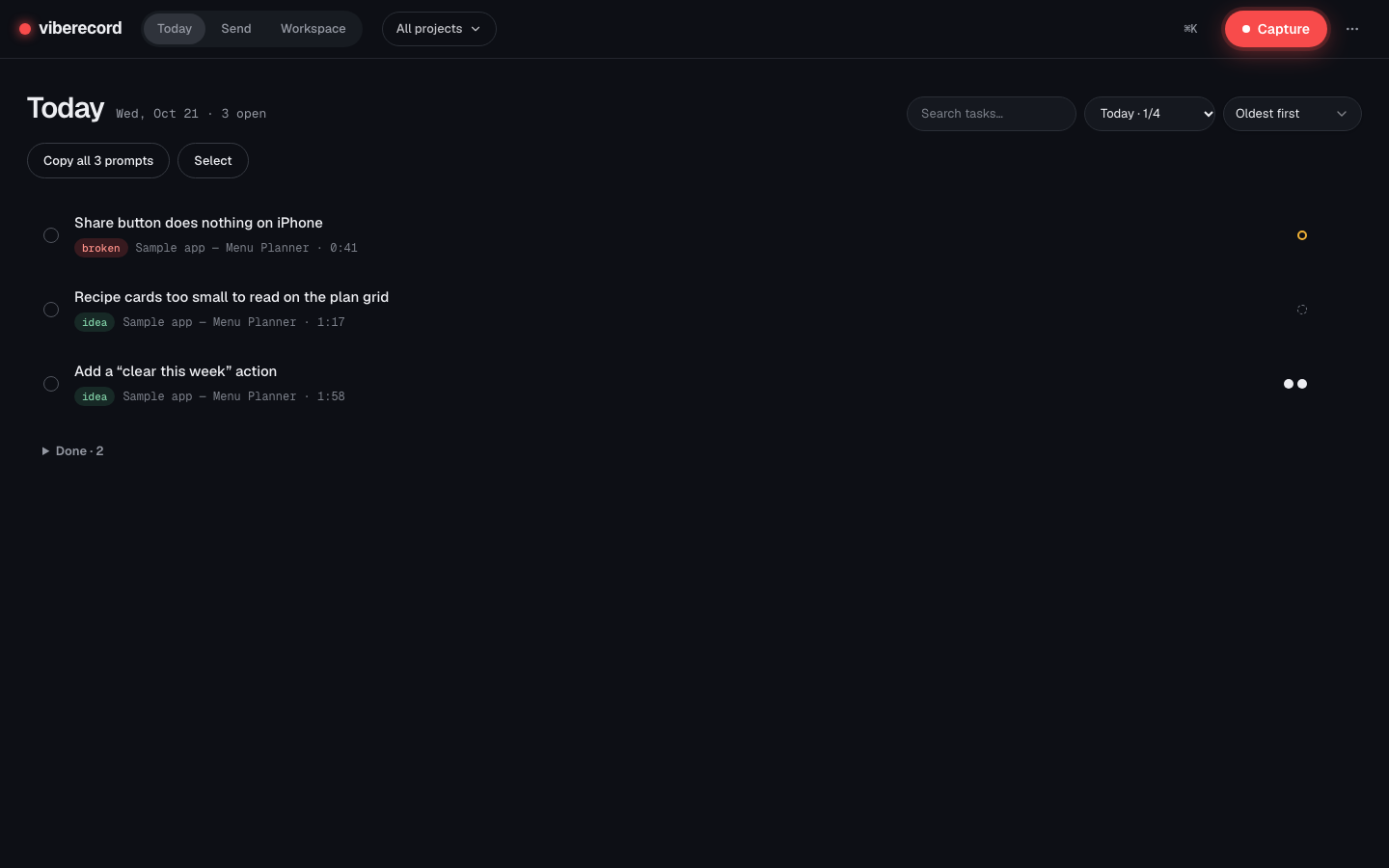
Copy a task into your builder, or send the lot. Everything lands in Today — tick each one off as it's fixed.
private by default
Only people you invite can see recordings. Project access controls evidence.
your words stay yours
What you said is kept separately from the AI write-up. Never merged.
you review before saving
Read and edit every write-up. Nothing changes until you save.
Record your first one.
Sign in and talk through your app for a minute.